What are Projects & Connections?
What is a connection?
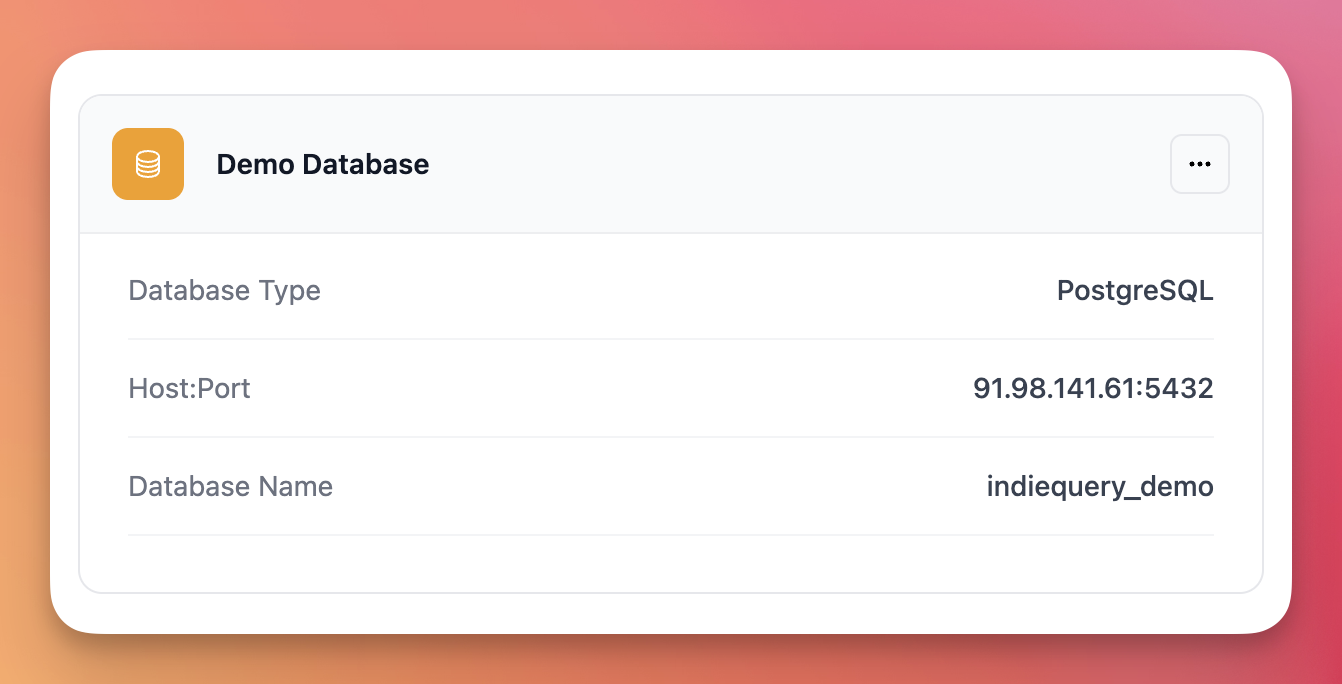
A connection is your database credentials saved in Indiequery. It stores the host, port, database name, username, and password you need to query your database.
Think of it as a saved bookmark to your database. You create it once, and Indiequery remembers it.
Each connection belongs to your account and can have multiple projects inside it.
What is a project?
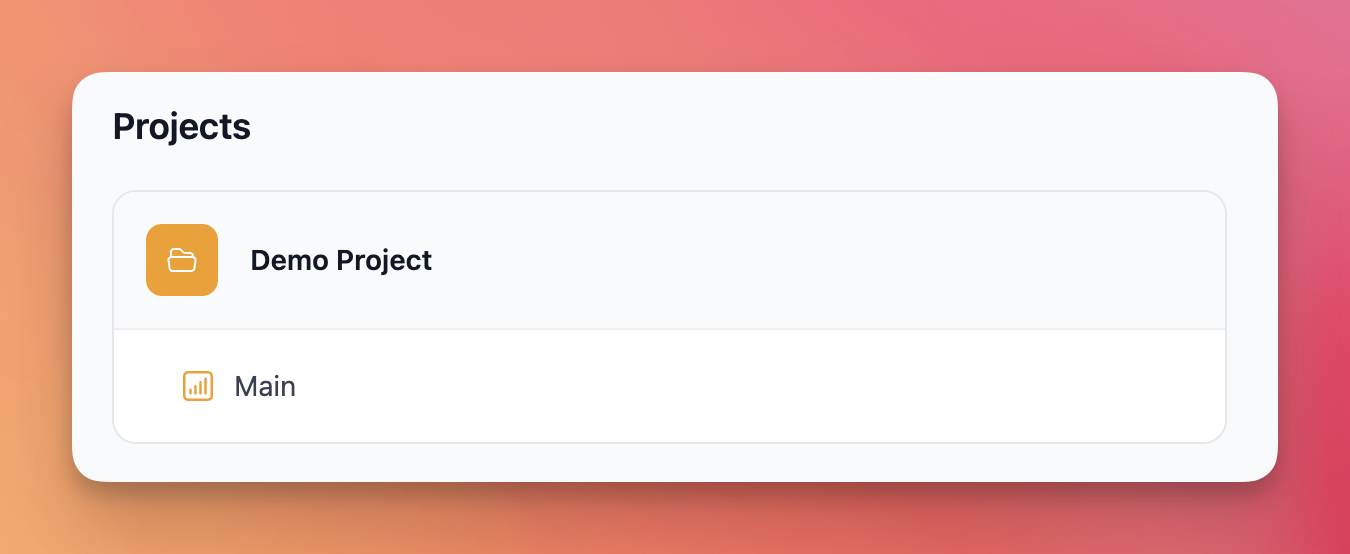
A project is an organizational layer around a connection. It groups related queries together so you can stay organized.
For example, if you have a connection to your production database, you might create projects like "User Analytics", "Sales Reports", or "Performance Monitoring". Each project holds queries related to that specific topic.
Projects help you avoid drowning in a long list of queries and dashboards. They're especially useful when you're managing multiple databases or working on different areas of the same database.
How do projects and connections relate?
Every project belongs to exactly one connection. You can't have a project without a connection.
The hierarchy looks like this:
- Account (your Indiequery account)
- Connection (your database credentials)
- Project (organizational grouping)
- Queries (the SQL you run)
- Dashboards (collections of queries)
- Project (organizational grouping)
- Connection (your database credentials)
One connection can have many projects. This lets you organize queries by feature, team, or purpose while keeping all the data in one database.
How do I create a connection?
- Log into Indiequery
- Click "New Connection" from your dashboard
- Enter your database details:
- Name (anything you want to call it)
- Database type (e.g. PostgreSQL or MySQL)
- Host, port, database name
- Username and password
- Test the connection to make sure it works
- Save it
Your password is encrypted and stored securely. Indiequery creates a read-only connection by default to keep your data safe.
How do I create a project?
- Go to the connection where you want to create a project
- Click "New Project"
- Give it a name (e.g., "Marketing Reports")
- Save it
Project names must be unique within your account. You can't have two projects with the same name, even if they're in different connections.
How do I update a connection?
- Go to your connections list
- Click on the connection you want to edit
- Click "Edit Connection"
- Update the fields you want to change
- Test the connection again to verify it works
- Save your changes
If you change connection details like the host or database name, make sure all your existing queries still work. Indiequery doesn't automatically migrate queries when you change the underlying database.
How do I update a project?
- Navigate to the project
- Click "Edit Project"
- Change the name
- Save
Renaming a project doesn't affect any of your queries or dashboards. They all stay inside the project exactly as they were.
How do I delete a connection?
- Go to your connections list
- Click on the connection you want to delete
- Click "Delete Connection"
- Confirm the deletion
Warning: Deleting a connection also deletes all projects, queries, and dashboards inside it. This action cannot be undone. Make sure you've exported any queries you want to keep before deleting.
How do I delete a project?
- Navigate to the project
- Click "Delete Project"
- Confirm the deletion
Warning: Deleting a project also deletes all queries and dashboards inside it. This action cannot be undone.
Can I move a project to a different connection?
No. Projects are permanently tied to the connection they were created in.
If you need to move queries to a different database, you'll need to: 1. Create a new project in the target connection 2. Manually copy your queries over 3. Delete the old project if you no longer need it
This is intentional. Each database has its own schema, and queries written for one database might not work on another.
How many connections and projects can I have?
It depends on your plan. Connection limits vary, but all plans include unlimited projects.
Check the pricing page for specific limits on your plan.
Do projects affect query performance?
No. Projects are purely organizational. They don't impact how fast your queries run or how Indiequery connects to your database.
All projects in the same connection use the same database credentials and connection pool.
What happens to my queries when I rename a project?
Nothing. Queries stay exactly where they are. Renaming a project only changes the display name—it doesn't touch the queries themselves.
All saved queries, dashboards, and query history remain intact.